
Installation and configuring plugin Facebook Conversions API Create the Meta Pixel ID (Facebook Pixel ID) and access token. https://developers.facebook.com/docs/marketing-api/conversions-api/get-started Copy values to the plugin configure page. Supports events: fbq('track', 'Purchase');
See this documentation
If you have double events you should disable another Facebook Pixel plugins and disable the parameter "Disabling auto configuration".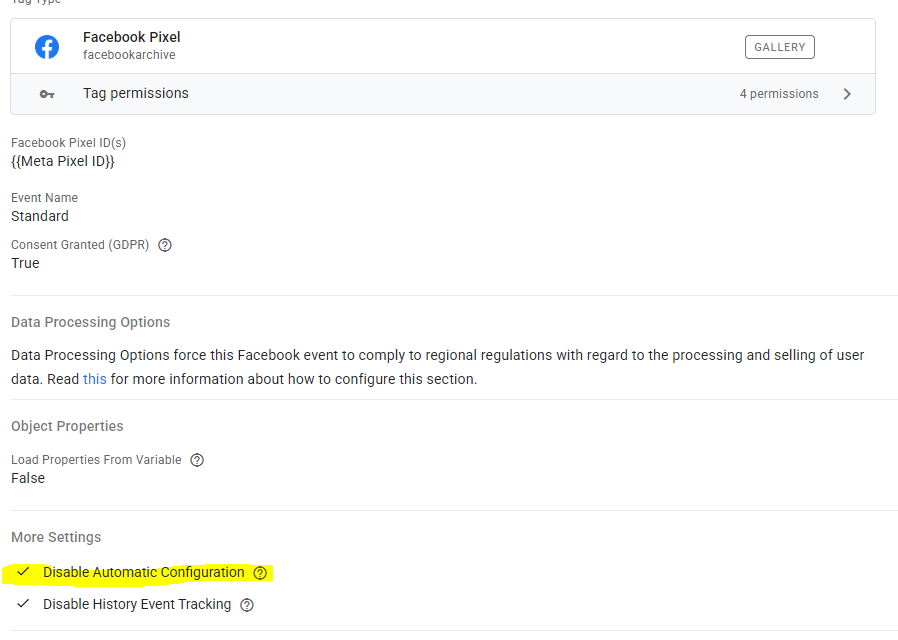
fbq('track', 'CompleteRegistration');
fbq('track', 'AddToCart');
fbq('track', 'AddToWishlist');
fbq('track', 'InitiateCheckout');
fbq('track', 'Search');
fbq('track', 'Contact');
fbq('track', 'ViewContent');